Matthew Gravina home

Matthew Gravina

Web Development

Home / Web Development

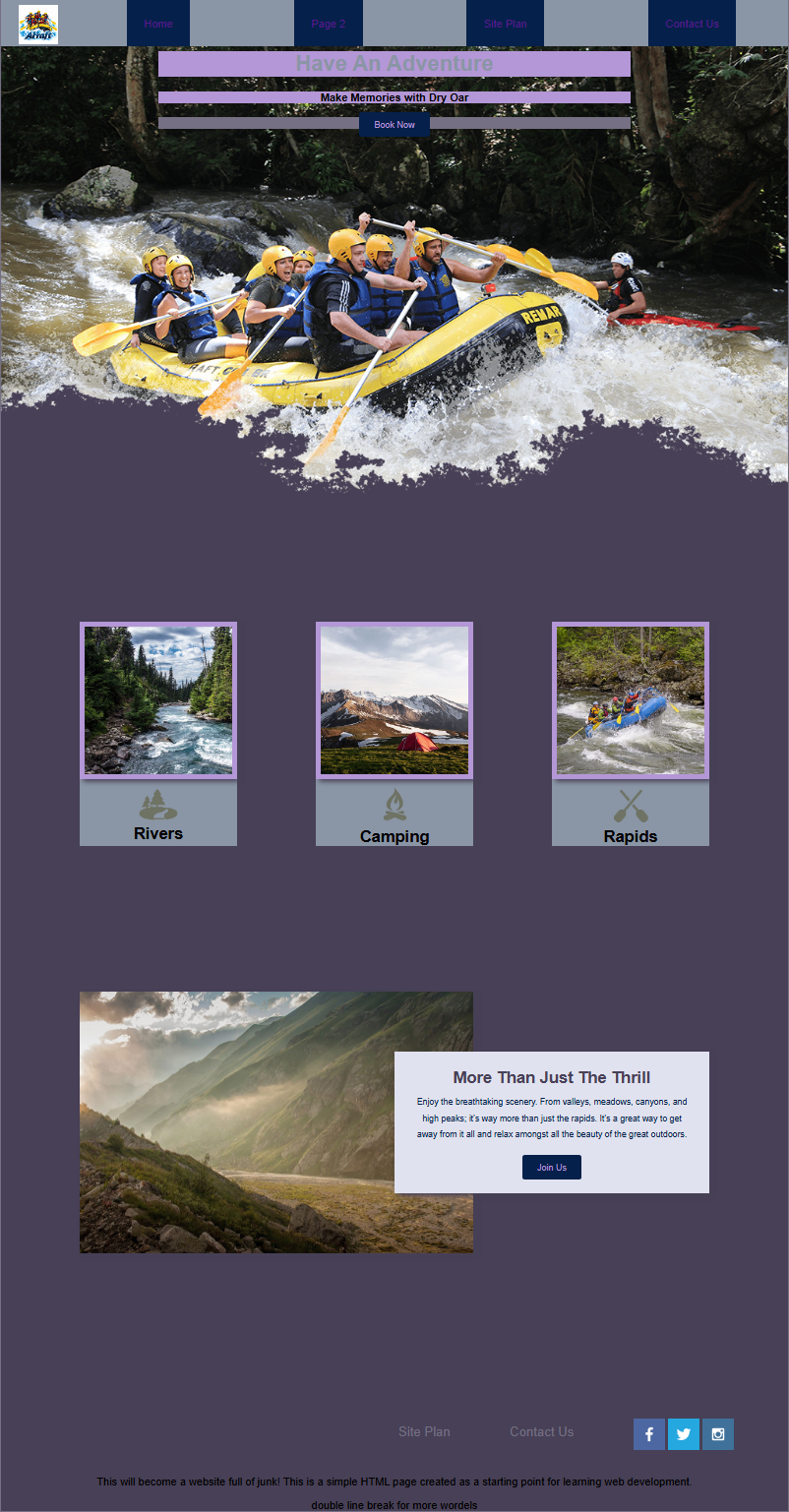
Preview of the White Water Rafting website

White Water Rafting

Full webpage assembly, my first introduction to HTML and CSS. I learned how HTML organizes a website’s content and how CSS controls its appearance. This project helped me practice connecting pages, images, and styles into a complete website.

Completed: Oct 8, 2026

Go to Project Webpage
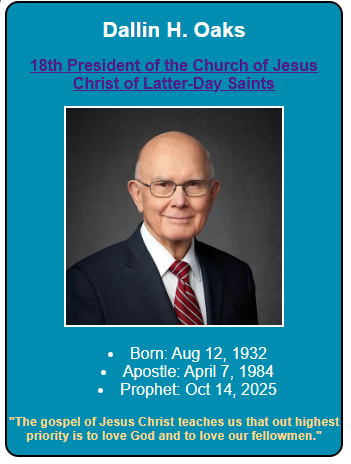
Preview of the Prophet Card project

Prophet Card

I learned how to use CSS to arrange text, images, and lists within a card. I also practiced adjusting spacing, alignment, and typography to match a reference design.

Completed: Oct 13, 2026

Go to Project Webpage
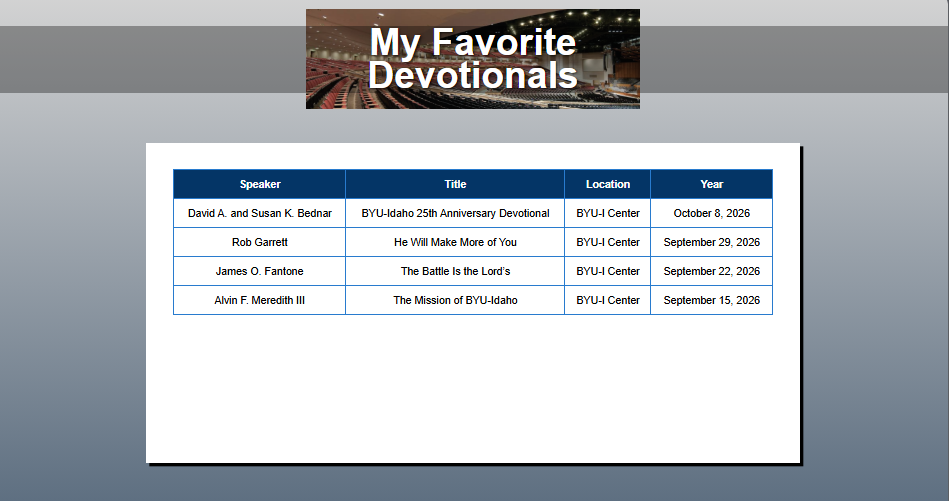
Preview of the Devotional List project

Devotional List

I learned how to organize information into an HTML table using rows, headings, and data cells. I also practiced creating form fields and connecting labels to their inputs.

Completed: Oct 20, 2026

Go to Project Webpage
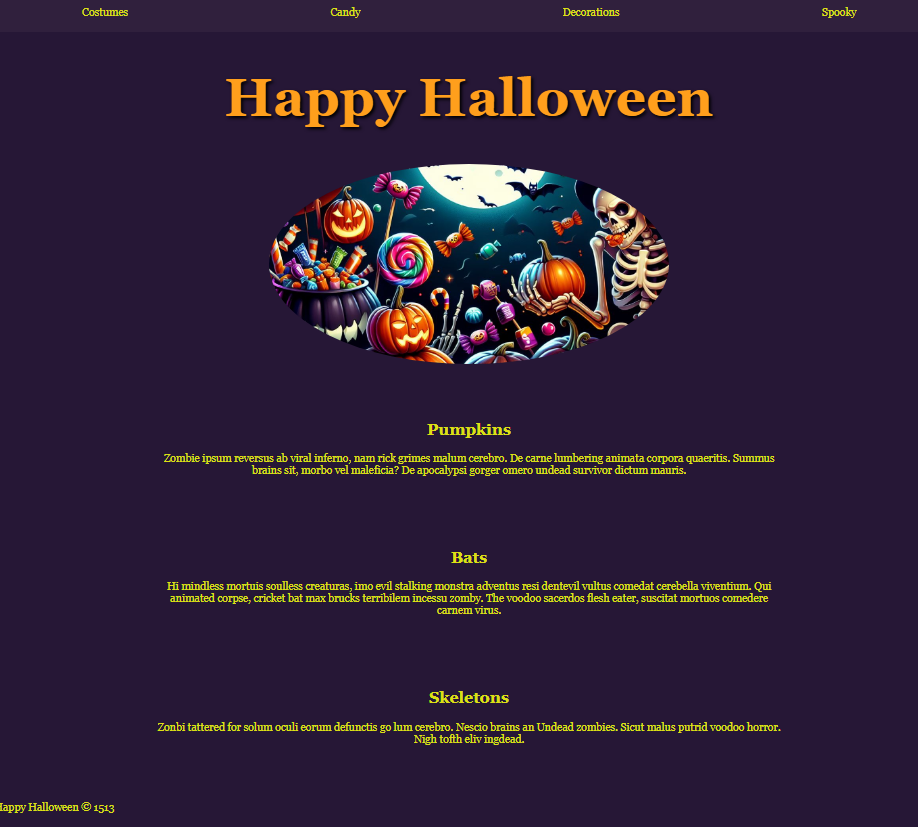
Preview of the Halloween page

Halloween Page

I learned how to give an existing HTML page a holiday theme using only CSS. I practiced changing colors, typography, spacing, and image shapes without modifying the HTML.

Completed: Oct 20, 2026

Go to Project Webpage
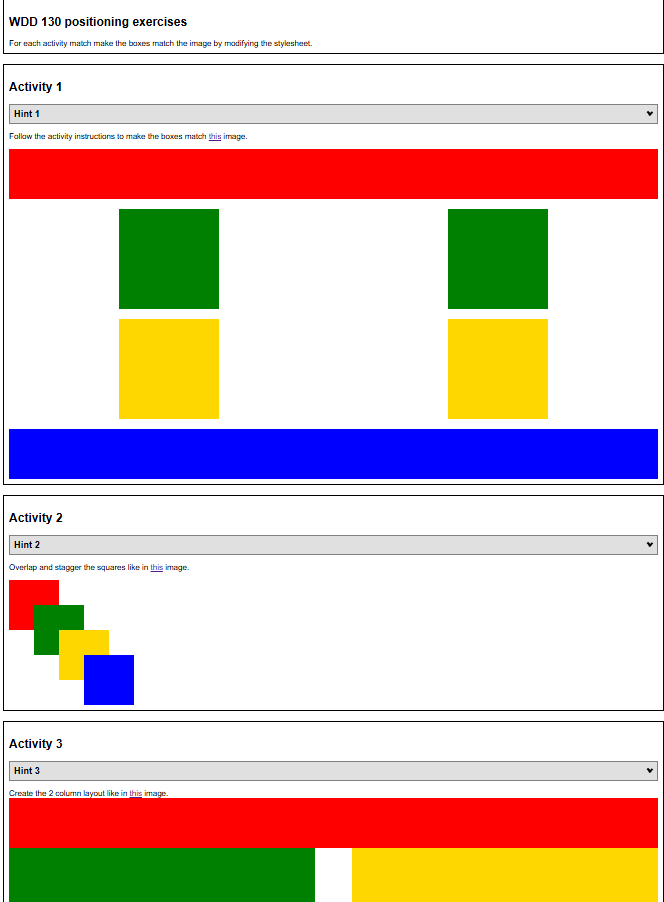
Preview of the Positioning Practice layouts

Positioning Practice

I learned how to arrange elements to match different reference layouts. This exercise helped me understand how parent containers, CSS Grid, and positioning rules affect where elements appear.

Completed: Oct 27, 2026

Go to Project Webpage
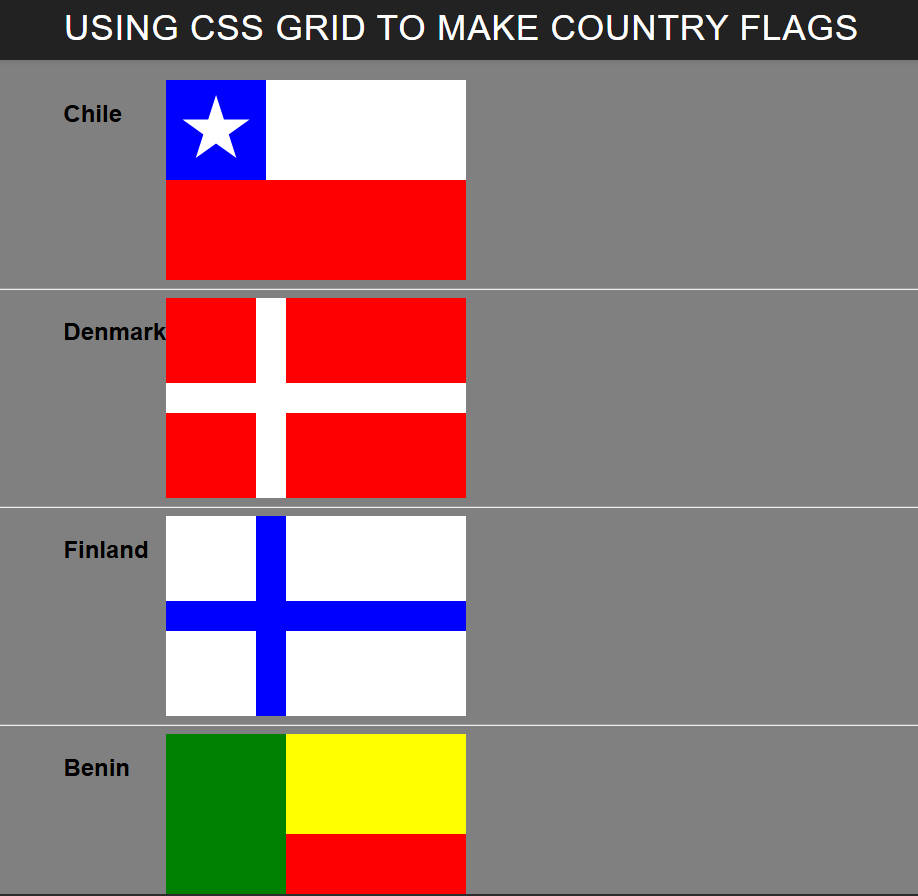
Preview of the Country Flags project

Country Flags

I learned how to recreate flag designs by placing colored elements within a CSS Grid. I practiced controlling grid rows, columns, spacing, and overlapping elements to form each design.

Completed: Oct 29, 2026

Go to Project Webpage
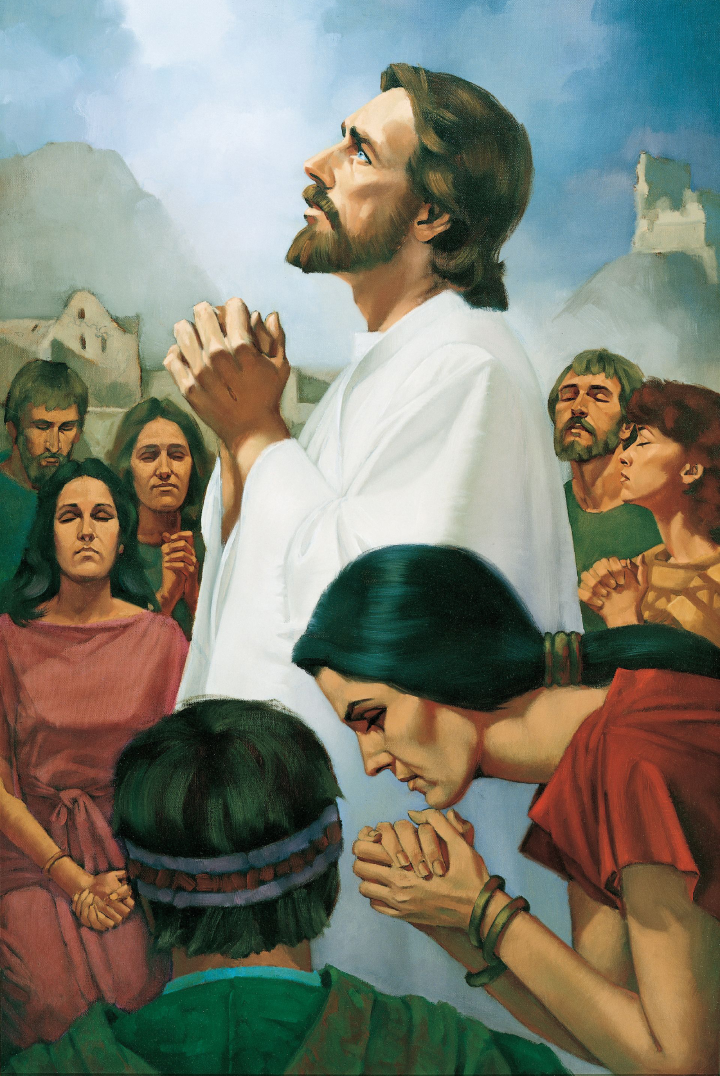
Artwork from the Christ Art Gallery

Christ Art Gallery

An image gallery arranged with CSS Grid. Smaller preview images link to larger JPEG versions, and a hover effect changes the image opacity. The exercise explores image dimensions, file formats, and file size.

Go to Project Webpage